Items marked (preview) in this article are currently in public preview. This preview is provided without a service-level agreement, and we don’t recommend it for production workloads. Certain features might not be supported or might have constrained capabilities. For more information, see Supplemental Terms of Use for Microsoft Azure Previews.
Prerequisites
- A Foundry project with one or more published agents.
- Access to Ask AI (the chat assistant) in the Foundry portal.
Use Ask AI with your dashboard
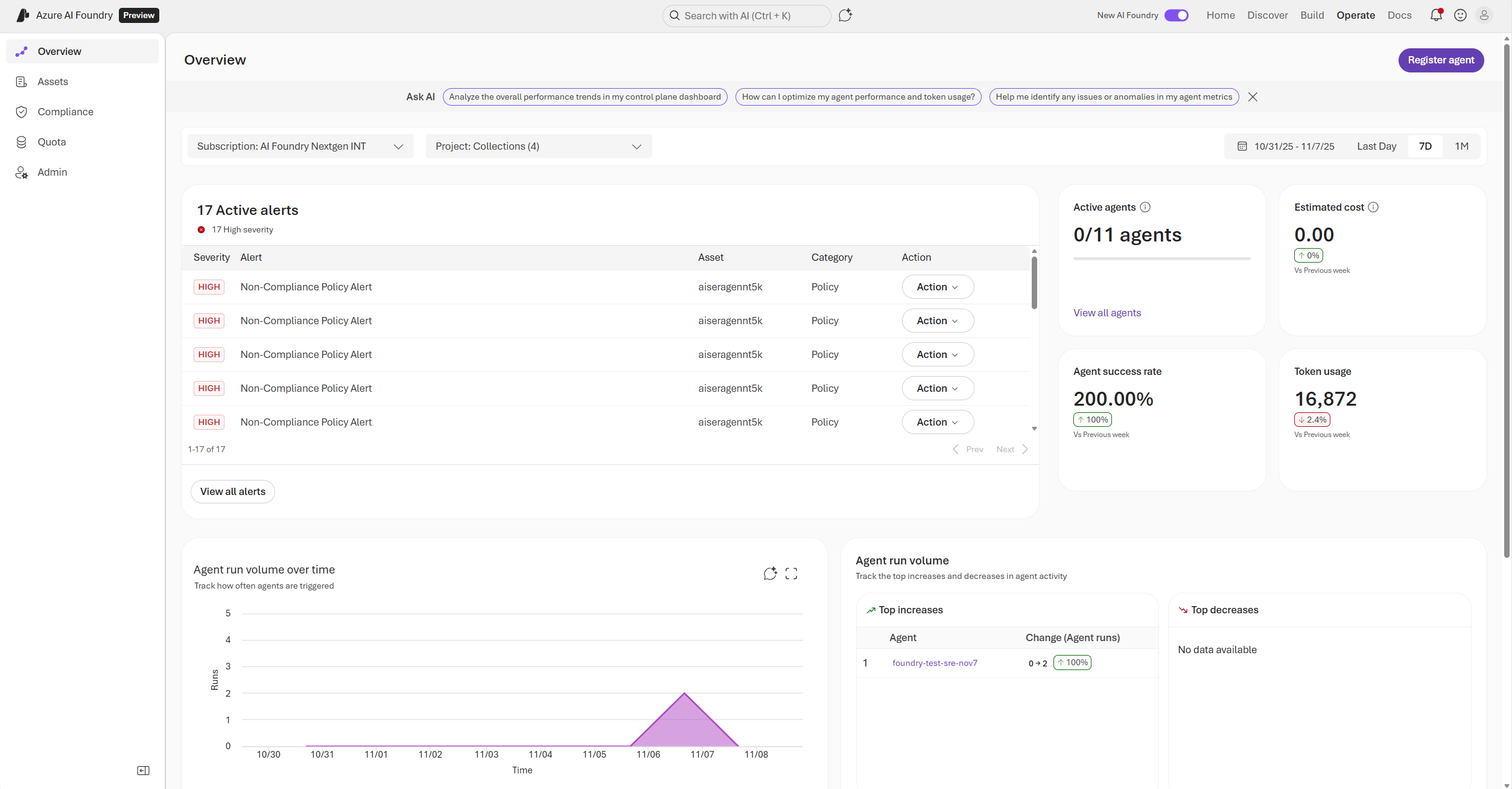
You can use Ask AI from either dashboard to get a summary or ask free-form questions about your data. From the control plane dashboard (Operate > Overview):- Go to Operate > Overview in the Foundry portal.
- Select one of the predefined prompts from the Ask AI banner at the top of the page. The question is passed to Ask AI automatically.
- Go to Build > Models (or Agents) > Monitor in the Foundry portal.
- Select the Ask AI icon at the top of the page to open the chat panel.
- Type a question or select a predefined prompt from the Ask AI banner. Example questions:
- “Give me a summary of the dashboard”
- “Analyze the performance trend of my dashboard”
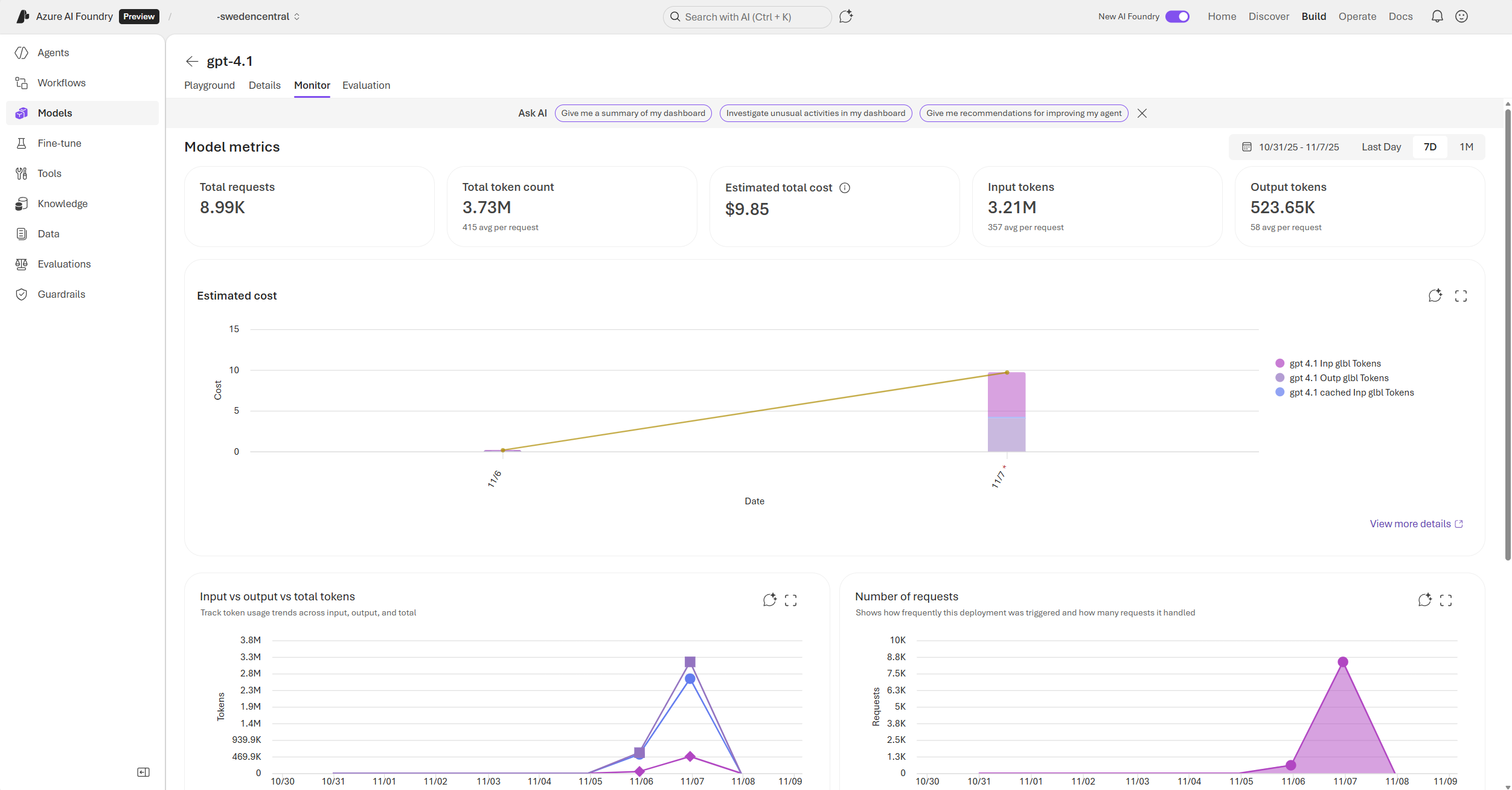

Ask AI analyzes data for the time range currently selected in the dashboard. Adjust the time range selector before asking for more targeted insights.
Get recommended next steps
Ask any free-form questions related to your dashboard to get recommended next steps. After Ask AI provides a summary, it also suggests specific actions based on the patterns it identifies. For example, Ask AI might suggest:- “Investigate the cause of the latency increase on [the abnormal date] to ensure it isn’t a recurring or growing issue.”
- “Monitor whether future requests show similar latency patterns when usage increases.”
- “Consider load testing or profiling to identify potential bottlenecks causing slower response times.”
- “Optimize prompt and completion token usage to reduce load and costs as usage scales.”
- “Monitor token consumption and request frequency trends for early signs of performance degradation.”